News
News



【Michaels Adventure Guide】Top-Up Tutorial
2026/06/24
【Purchase Angel Gold】
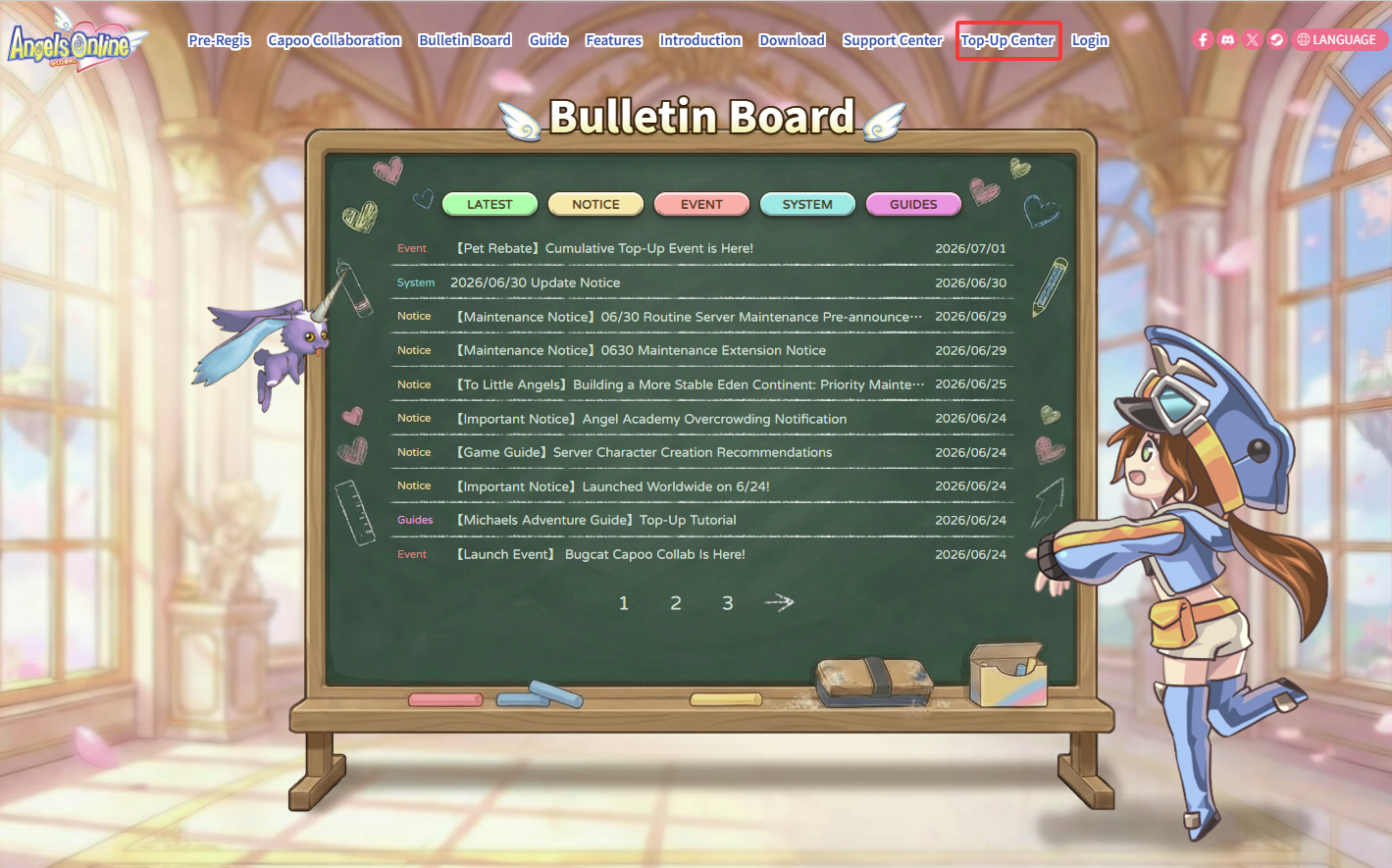
Step 2.
Log in to your Game account→Select "Shop".
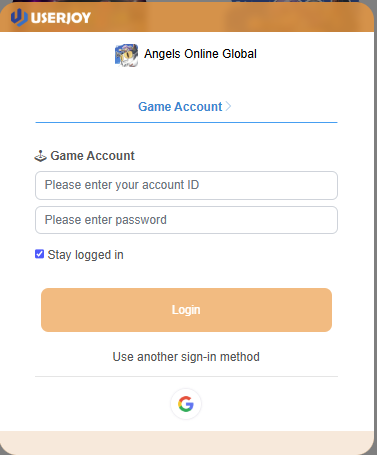
Step 3.
Select your preferred payment method. →Choose the item you wish to purchase to complete your order!
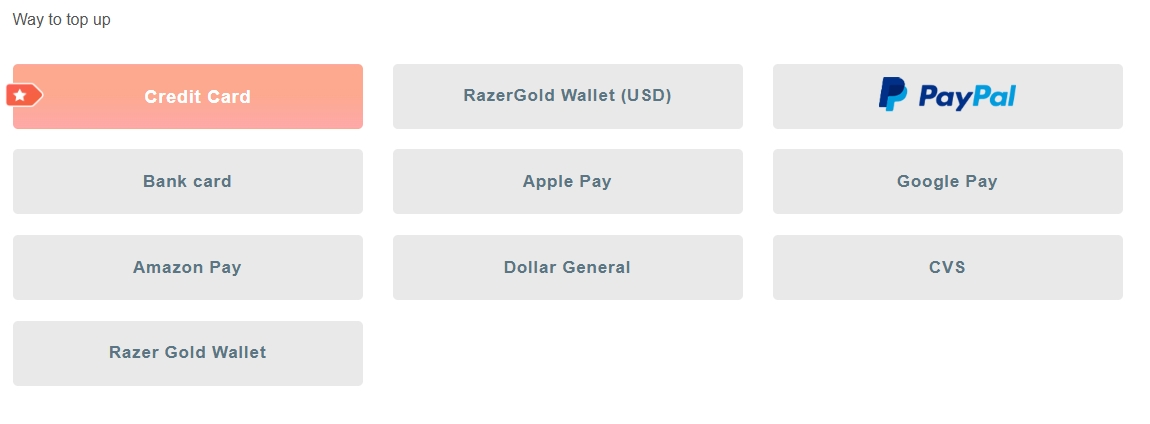
【Purchase Angel Voucher】
Step 1.
Select "Deals Mall" → Choose the "Angel Voucher" product.
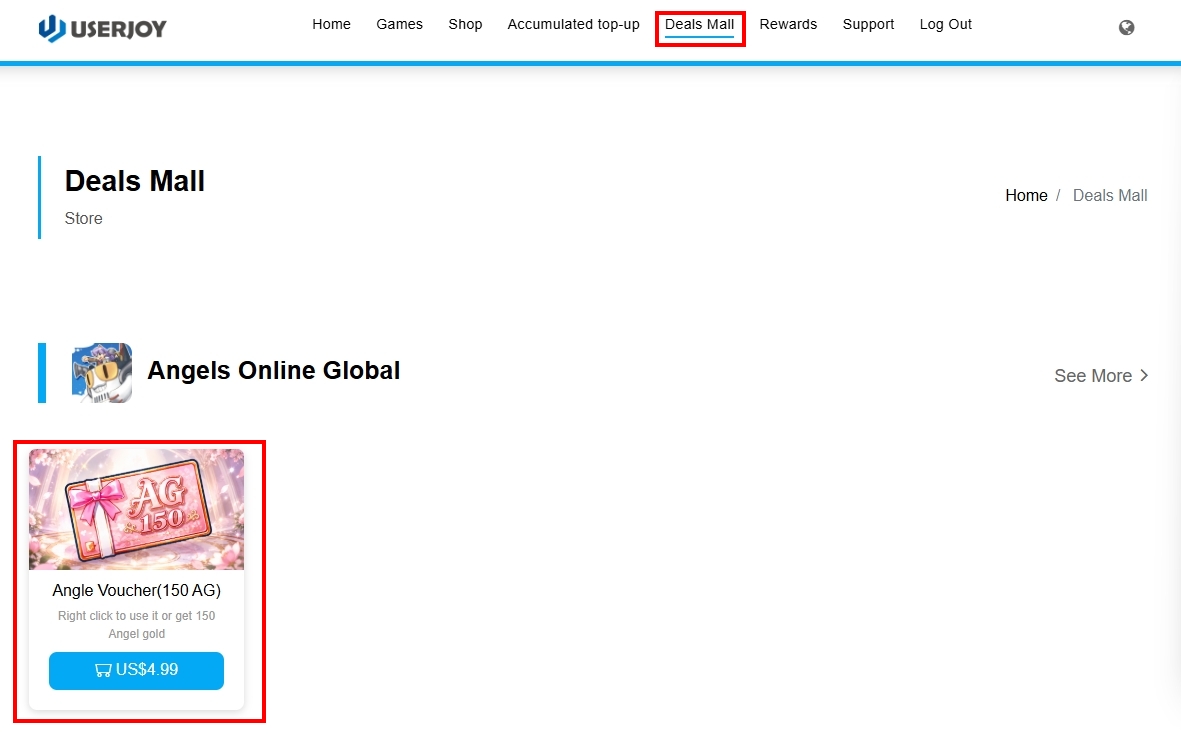
Step 2.
Select the purchase quantity (max 10 Angel Vouchers per transaction)→Choose your preferred payment method.
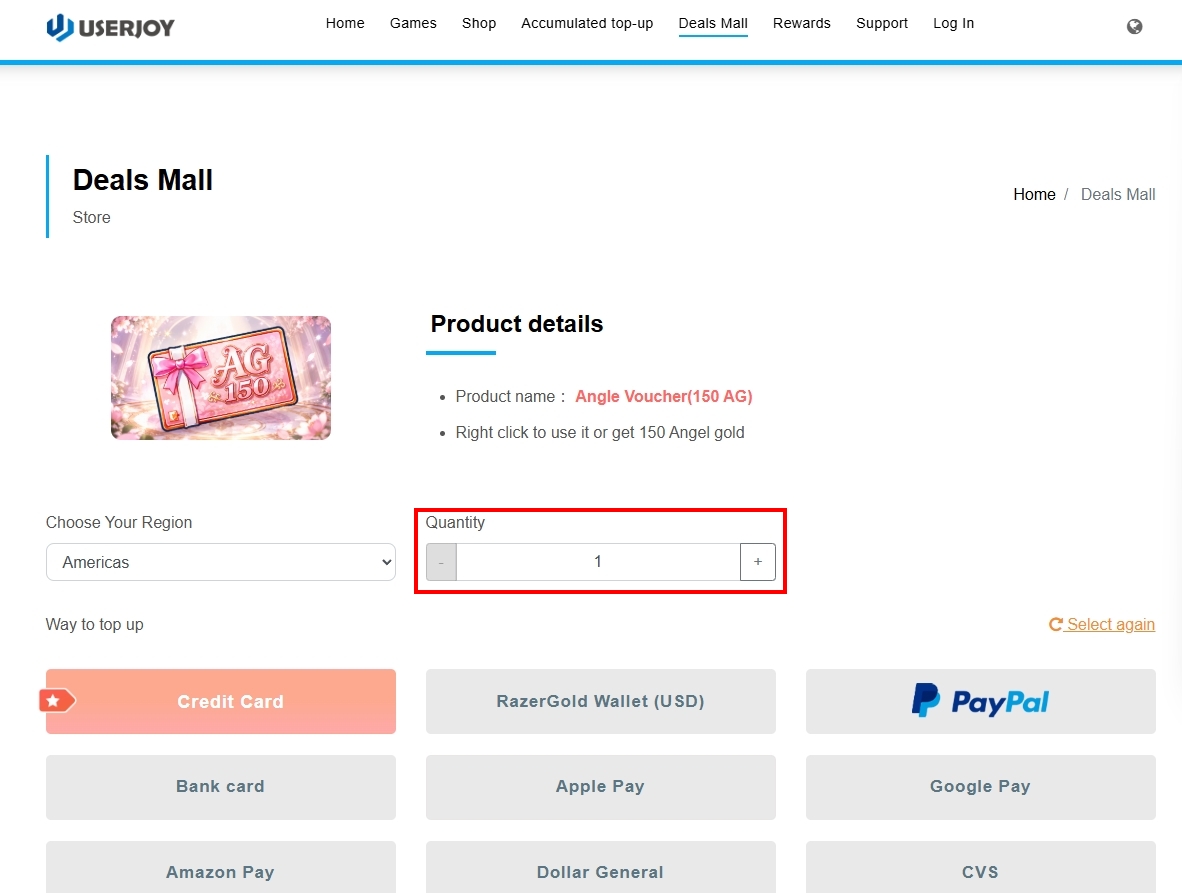
Step3.
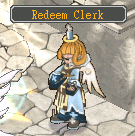
Please visit the 【Redeem Clerk】 at 【Angel Academy】 to claim your Angel Voucher.